
Another Eden Begins Demo Save Transfer
Story progress and character stats can move into the full game — follow the platform steps and do not interrupt.
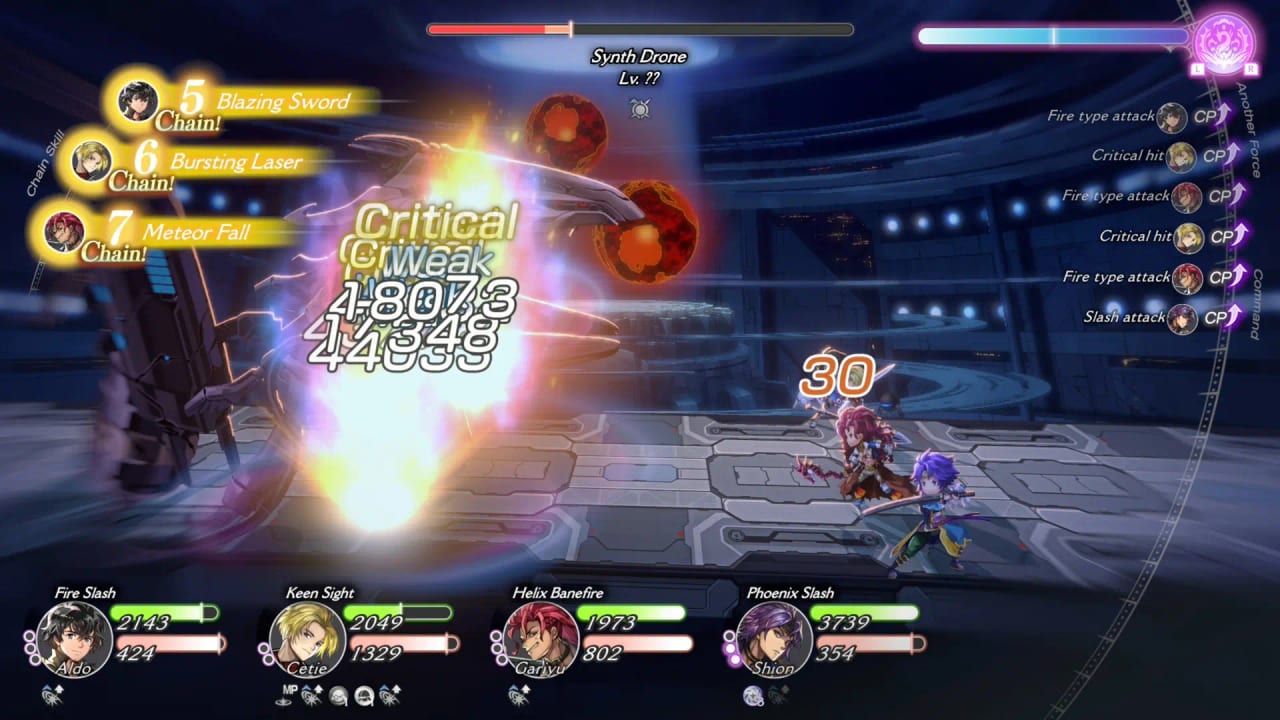
Studio Prisma’s trial page is the source for every step on this page. The Another Eden Begins demo covers main story chapters 1–6. Story progress and character stats from that save can transfer into the full game when the campaign launches 17 September 2026. Switch can do this with a prompt. Steam and Steam Deck need a manual folder copy. Read the section for your platform all the way through before you click anything. The demo news page explains why you should bother. Getting Started explains when. This page is only how.
Do not skip the “no existing save” warning on Switch. Do not skip the Cloud-off warning on Steam. Those two mistakes are how people lose a week of chapters.
Nintendo Switch
Launch the full version of the game with no existing save data. When the game asks to transfer the demo save, confirm. Do not interrupt the transfer. Do not power off. Do not swap users halfway through. If you already created a fresh full-game save, official text does not describe a second chance; keep the demo installed until you know the prompt appeared.
Handheld or docked does not matter. Switch 2 Edition versus standard Switch uses the same idea: empty full-game save, confirm, wait. After a successful transfer, you can keep playing from chapters 1–6 instead of from a blank Baruoki.
Steam (Windows)
You transfer the demo save manually.
- In the Steam library, select the game, open the cog, choose Properties.
- In General, turn off “Keep game’s saves in the Steam Cloud for Another Eden Begins.”
- If you have already opened the full game once, delete
C:\Users\<Username>\AppData\LocalLow\WRIGHT FLYER STUDIOS\AnotherEdenBegins\SaveDataif it exists. - If you have not launched the full game yet, skip step 3 and go to step 5.
- Copy
C:\Users\<Username>\AppData\LocalLow\WRIGHT FLYER STUDIOS\AnotherEdenBeginsDemo\SaveDataDemo. - Paste it into
C:\Users\<Username>\AppData\LocalLow\WRIGHT FLYER STUDIOS\AnotherEdenBegins\. - Rename
SaveDataDemotoSaveData. - Launch the full game. When the save is accepted, turn Cloud back on if you want it.
Folder names matter. AnotherEdenBeginsDemo is the trial. AnotherEdenBegins is the full product. Mixing them is how you paste into the wrong tree. AppData is hidden; enable hidden files in File Explorer if you cannot see LocalLow.
Steam Deck
Also manual. Official steps:
- Steam button → Settings → Cloud. Turn off Enable Steam Cloud.
- Steam button → Power → Switch to Desktop.
- Open the file manager (Dolphin). Show hidden files if the compatdata folder is not visible.
- Go to
Home > .local > share > Steam > steamapps > compatdata. - If you already opened the full game, open
4163960 > pfx > drive_c > users > steamuser > AppData > LocalLow > WRIGHT FLYER STUDIOS > AnotherEdenBeginsand moveSaveDatato Trash. - If you have not launched the full game, skip step 5.
- Open a second tab to
4391790 > pfx > drive_c > users > steamuser > AppData > LocalLow > WRIGHT FLYER STUDIOS > AnotherEdenBeginsDemo. - Copy
SaveDataDemo. - Paste it into the full-game AnotherEdenBegins folder. Apply to all / Write Into / Overwrite if asked.
- Rename
SaveDataDemotoSaveDatawith the Steam+X keyboard. - Return to Gaming Mode and launch the full game. Re-enable Cloud after success.
App IDs: 4163960 is the full game, 4391790 is the demo. If those folders are missing, you have not installed that SKU on this Deck.
After it works
Keep playing. Combat knowledge is on combat. Party shape is on party building. Do not start a second save “just to see the intro again” unless you have already copied the transferred folder somewhere safe. Sibling tool: system requirements. If a future WFS patch adds a one-click importer, updates will say so. Until then, this is the official path.
Frequently Asked Questions
Quick answers to the most common questions.
What actually transfers?
Official text: story progress and character stats. It does not list a complete inventory table.
I already opened the full game on Steam. Am I stuck?
Delete the full game's SaveData folder first, then copy and rename the demo folder. Cloud must stay off until it works.
Can I transfer Switch demo to Steam?
Official steps are same-platform. There is no published cross-store importer.
What if I interrupt the Switch prompt?
Official text says not to. Keep the demo installed and contact WFS via official links if the save looks damaged.
Why two Steam app IDs on Deck?
4163960 is Another Eden Begins. 4391790 is the demo. Copy from demo toward full, never the other way.