
Another Eden Begins Tools Hub
Specs and save-file plumbing — the unglamorous pages that save a launch-day headache.
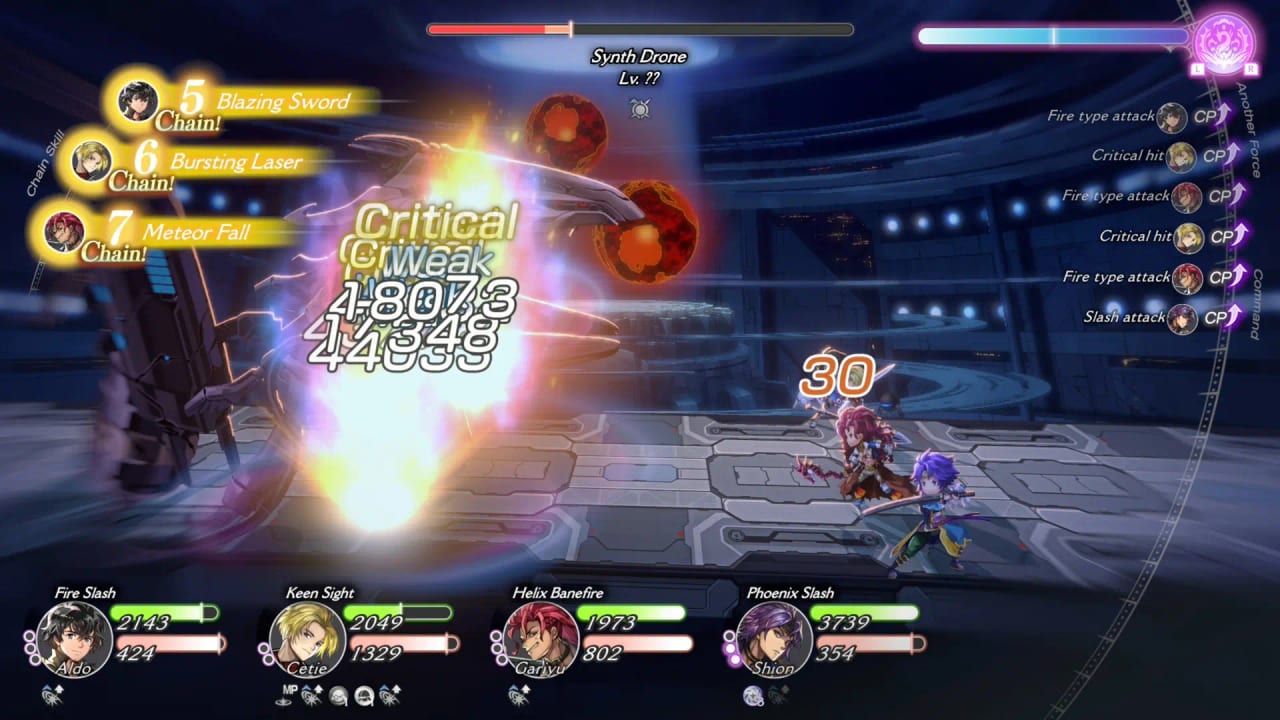
Not every wiki page is a walkthrough. This hub holds the two mechanical jobs players search before 17 September 2026: whether a PC can run Another Eden Begins, and how to move a demo save into the full game without destroying it. Combat, characters, and codes live elsewhere. Come here when you are about to click Install or about to boot the paid campaign for the first time.
Child pages:
- System requirements — Steam’s published minimum and recommended specs, plus what they mean in plain language.
- Save transfer — official Switch prompt, Steam folder copy, and Steam Deck compatdata steps from Studio Prisma’s trial page.
The demo opened 2 September 2026 and covers chapters 1–6. Story progress and character stats can transfer. That sentence is the whole reason this hub exists. If you never installed the trial, you can skip save transfer and still read the spec sheet. If you did install it, read the transfer page before you launch the full game, especially on Steam, where an extra SaveData folder can block the copy.
What does not belong here
- Party theory. That is party building and the tier list.
- Serial strings. That is the serial codes hub, and those strings go into the original mobile or PC client, not into Begins.
- Button maps we have not verified. That is controls, which refuses to invent a PC key table.
- Patch versioning. That will land on updates when WFS publishes notes.
Suggested order on a PC
- Read system requirements. Windows 11 is the listed OS. 8 GB RAM is both minimum and recommended. The difference is GPU and the 720p30 versus 4K60 target.
- Install the demo if the machine is close to minimum. Six chapters are a better benchmark than a forum screenshot.
- If the demo runs, keep the save and open save transfer the week of launch.
- If the demo does not run, stop. Switch and Switch 2 exist for a reason; editions are on the release-date page.
Suggested order on Nintendo hardware
Skip the spec sheet. Install the demo from the eShop, play it, then follow the Switch paragraph on the transfer page: boot the full game with no save, confirm, do not interrupt. Handheld versus docked does not change the file.
For the campaign itself, return to the guides hub and Getting Started. For storefronts, use official links. This hub should feel boring. Boring is how saves survive.
Frequently Asked Questions
Quick answers to the most common questions.
Do I need these tools if I only play on Switch?
You can skip the PC spec sheet. You still want save transfer if you played the demo.
Will there be a damage calculator?
Not before launch. This wiki will not ship a fake numbers tool. Use the in-game command window and combat.
Where is the serial code helper?
Codes are documented on the serial codes hub. They are redeemed in the original game, not here.
Does Steam Deck have official compatibility?
Steam still lists Deck compatibility as unknown. Transfer steps for Deck exist on the official trial page and on save transfer.
When should I turn Steam Cloud back on?
After the full game has accepted the renamed SaveData folder. The transfer page lists the order.